~ 4 min read
Use cases to replace SaaS with Self‑hosting

Here are the main real-world use cases for replacing cloud SaaS with self-hosted open-source alternatives. These motivations have grown stronger in recent years (2024–2026), driven by cost trends, privacy scandals, regulatory pressure, and maturing self-hosting tools.
1. Avoiding Vendor Lock-in & Data Traps
Most universal reason
Many SaaS tools make exporting data difficult, use proprietary formats, or change pricing/features arbitrarily → you’re stuck.
Self-hosting gives you:
- Full data ownership
→ easy migration, backups & format control - No risk of service shutdown, feature removal, or forced upgrades
- Freedom to fork/customize the software forever
Valuable for long-term projects (e.g. notes/knowledge bases, CRMs, git repos, analytics).
2. Privacy & Data Sovereignty
Top reason for privacy-conscious users & regulated industries
Your data never leaves infrastructure you control.
Common scenarios:
- Sensitive business data (client info, HR, health, finance)
- Avoiding surveillance capitalism, data resale
- Compliance with strict regulations (GDPR, HIPAA, government rules)
→ many organizations cannot legally use US-based SaaS - No third-party access (even in theory) → ideal for lawyers, healthcare, finance, agencies winning privacy-sensitive clients
Real example: Agencies report winning contracts specifically because they self-host and can prove data never touches foreign SaaS.
3. Long-term Cost Savings
Especially after scale
SaaS starts cheap, and becomes expensive with users, seats, and features.
Self-hosting shines when:
- You have dozens or hundreds of users: per-seat pricing explodes
- You need “unlimited” usage (storage, API calls, bandwidth)
- Long horizon (3–10+ years): one-time effort pays off
Typical savings: 50–80 % after the first year for teams and agencies (reported in multiple 2025–2026 case studies).
4. Offline and Low-Connectivity Access
Key for digital nomads, travel, remote areas
SaaS dies without internet. Self-hosted can be made to work offline and locally.
Use cases:
- Digital nomads: access notes, files, passwords, calendars, media libraries without reliable Wi-Fi
- Travel/field work: keep critical tools available (passwords, task management, documentation)
- Intermittent connectivity: sync when online, work offline (many apps support this natively or via VPN + local caching)
Combine with Pangolin, Tailscale, WireGuard and secure remote access feels almost local.
5. Extreme Customization & Integration Freedom
SaaS: take it or leave it.
Self-hosting: modify code, add features, deeply integrate with your stack.
Popular in:
- Developers & power users who hate “good enough”
- Teams with unique workflows → build exactly what you need
- Replacing multiple SaaS tools with one integrated self-hosted suite
6. Control over Security & Reliability
You decide update schedule, hardening, monitoring.
Useful when:
- You distrust SaaS security track record (many big breaches in 2024–2025)
- Need specific hardening, and compliance not offered in SaaS
- Want to avoid “someone else’s outage” affecting your team
Quick Summary Table – When Self-Hosting Wins
| Use Case | Strength of Motivation | Typical Users | Savings / Benefit Level |
|---|---|---|---|
| Avoid lock-in | ★★★★★ | Everyone long-term | Very high |
| Maximum privacy / compliance | ★★★★★ | Agencies, regulated industries, paranoid individuals | Critical |
| Cost at scale | ★★★★ | Teams >10–20 users | High |
| Offline / nomad resilience | ★★★★ | Digital nomads, travellers, remote workers | High |
| Deep customization | ★★★ | Developers, power users | Medium–High |
| Full control over updates/security | ★★★ | Security-conscious teams | Medium |
Bottom line in 2026:
Not everything should be self-hosted, but for many people and teams the equation has flipped.
The “self-host everything!” hype is overblown, but selective self-hosting of 3–8 strategic tools has become a very rational default for privacy-aware, cost-conscious, or nomadic individuals and small-to-medium teams.
Related Articles
Run a local-first environment.
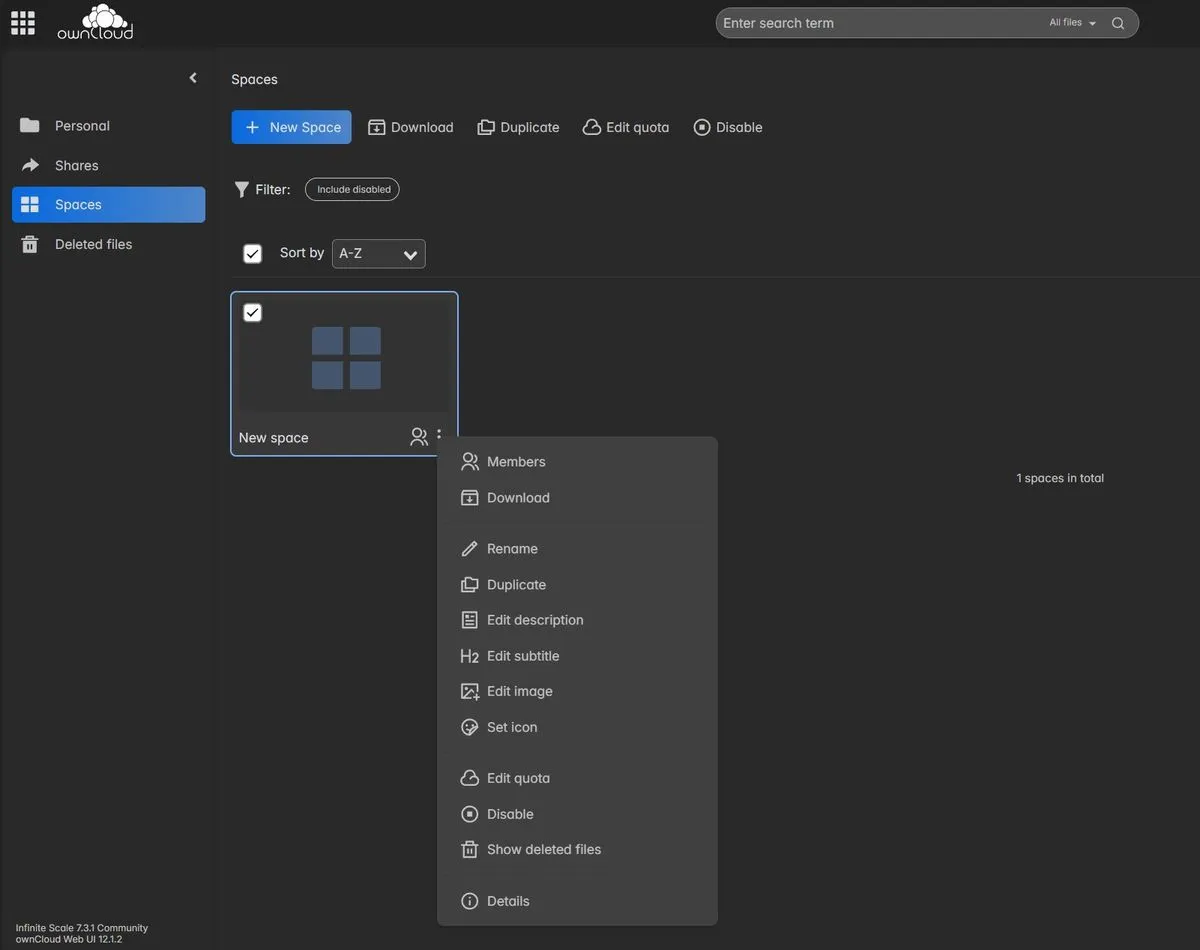
Nextcloud vs oCIS
Nextcloud vs ownCloud Infinite Scale. The Go-Based, Lightweight Alternative
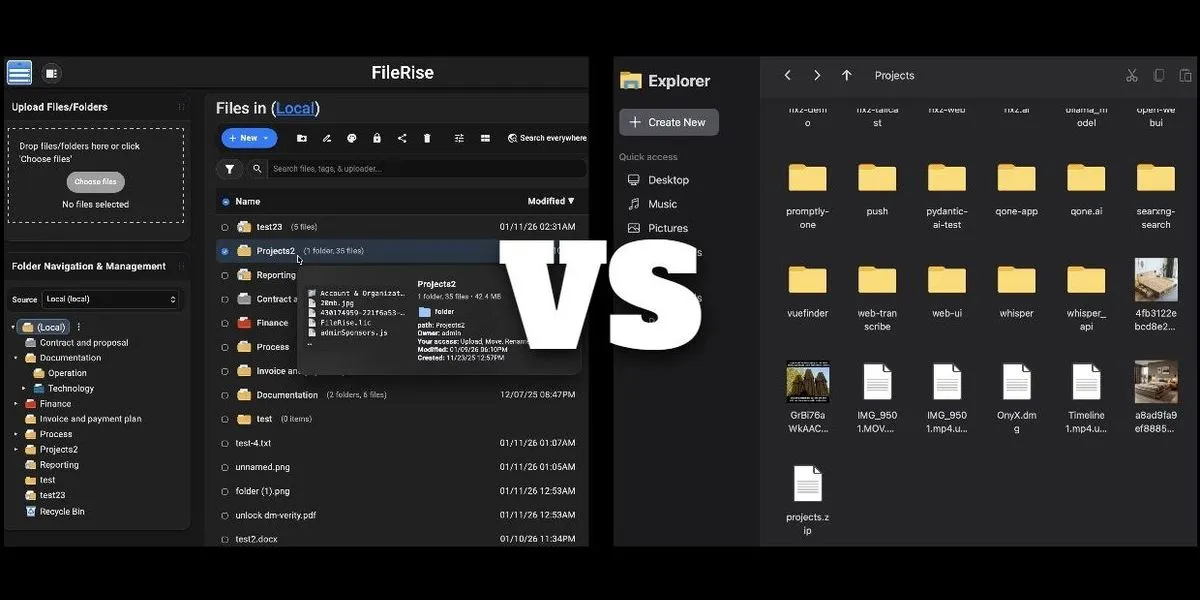
FileRise vs. nextExplorer
Compare two of the best modern, self-hosted file managers

TurnKey OS for your Homelab
TurnKey OS for your Homelab

Self-hosting is about strategic sovereignty
Self-host only what gives you real leverage: privacy, cost savings, reliability, or creative control.