Self-Hosted OS

Applications & Services Running on Your Local Machine

167K

Stars

53K

Forks

1207

Projects

93

Categories

Self-hosted operating systems and platforms offer turnkey home servers with user-friendly interfaces, pre-configured apps, and simplified maintenance. They promise an ideal solution: polished dashboards, private cloud storage, and media streaming, all while keeping your data local and under your authority.

But beneath the simplicity lies a critical first decision, one that shapes everything after.

Choose Your OS

Like you’re choosing your Homelab’s future, because you are.

The right OS aligns with your long-term goals.

Some prioritize a polish interface but gate advanced features behind subscriptions (e.g., Cloud Cosmos).
Others specialize in media and file sharing but lack flexibility for general workloads.
A few embrace full openness, at the cost of a steeper learning curve.

Your choice defines your reality: data sovereignty, scalability, total cost, portability, maintainability, and freedom to tinker.

The Sovereign Reality: Owner vs. Digital Tenant
OS Name Business Model Status The Digital Tenant Risk
Debian + Docker Pure Open Source Absolute Owner Low You own the code, the data, and the configuration.
OpenMediaVault Open Source Absolute Owner Low Community-driven with no corporate gatekeepers.
Yunohost Open Source Absolute Owner Low Built specifically for family sovereignty without costs.
CasaOS Open Source Owner Low A UI layer that stays out of the way of your data.
Runtipi Open Source Owner Low Free, but the simple "walled store" limits deep tinkering.
TrueNAS Open Source Owner Low Professional grade, but hardware-intensive requirements.
StartOS Sovereign Tech Owner (Locked-in) Moderate You own the keys, but you are tied to their ecosystem.
Proxmox VE Freemium Owner (Nagged) Low Full control, but constant upsell popups for subscriptions.
Cosmos Cloud Freemium Digital Tenant High Key security and family features are "leased" via subscription.
UmbrelOS Proprietary UI Digital Tenant High The "landlord" controls the networking and UI limits.
ZimaOS License Fee Digital Tenant Moderate Pro features require a "permission key" to unlock.

Operating Systems

Popular OS for Homelab

Optimized for mini PCs and compact hardware

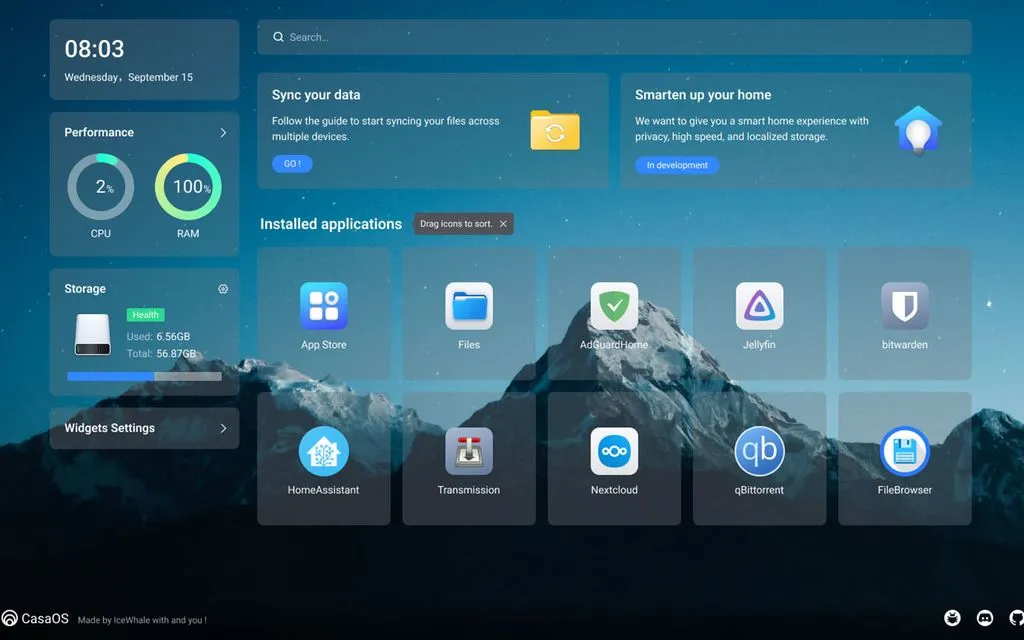
CasaOS

Docker-focused dashboard on top of Linux (often Ubuntu/Debian). Super simple app store; perfect for quick self-hosting without deep config.

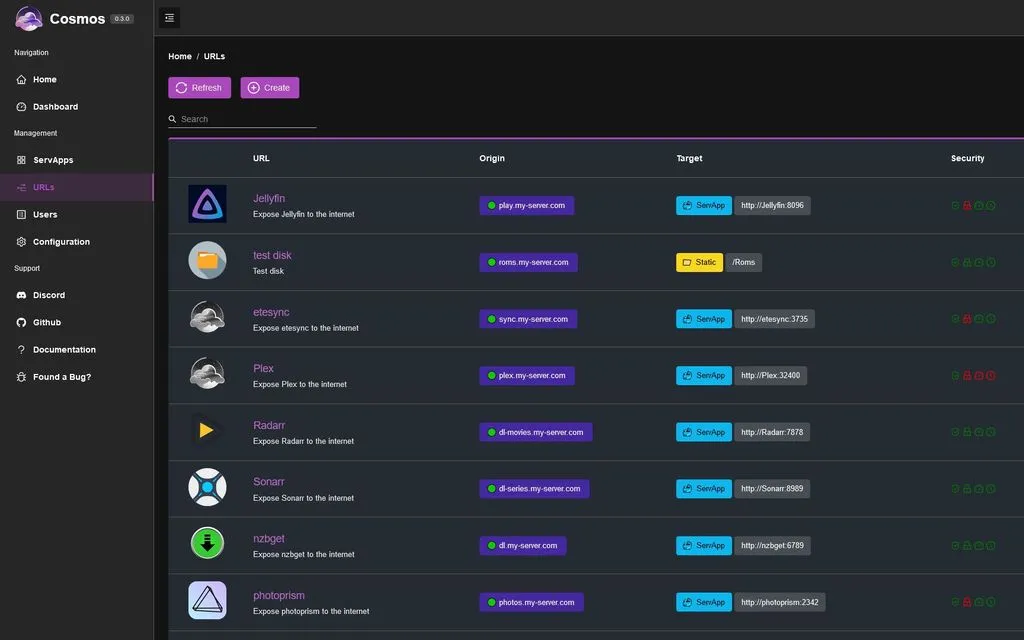
Cosmos Cloud

Secure gateway and app manager (Docker-based, install via script). User-friendly UI with a strong emphasis on security (auth, anti-DDOS); one-click apps.

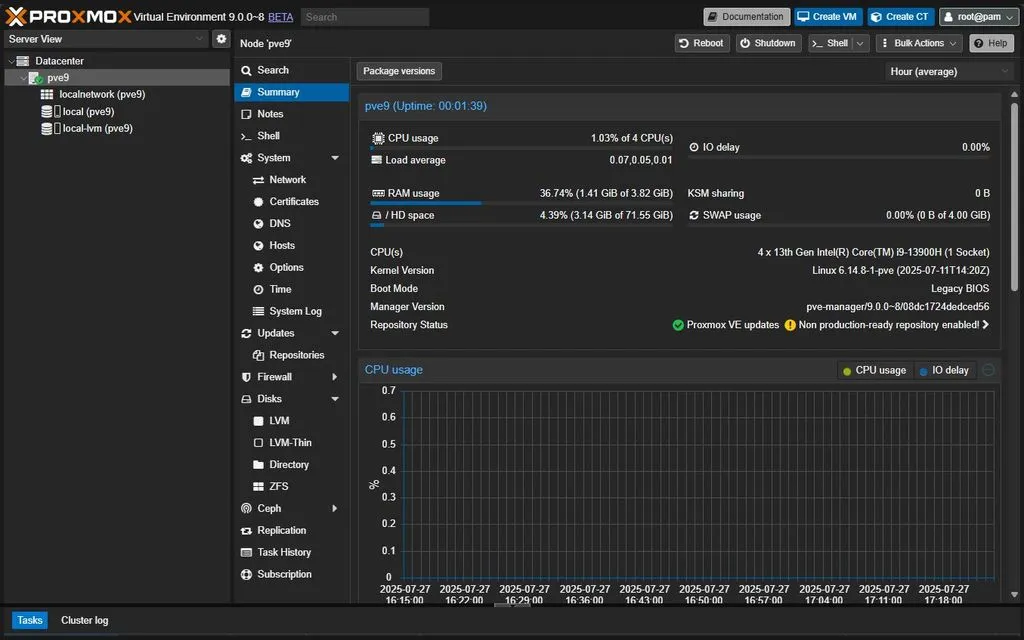
Proxmox VE

Debian-based hypervisor, great for VMs and containers. Excellent for mini PCs, clustering, backups, and running multiple services. Best for advanced users.

RunTipi

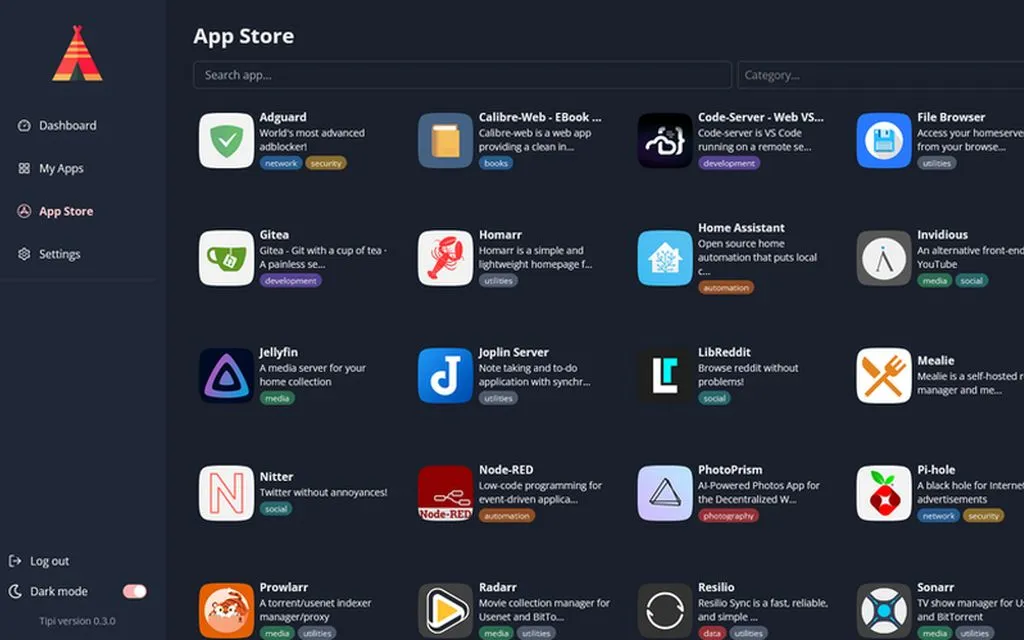
Docker-focused personal homeserver orchestrator with a simple, beautiful web interface and one-click app store. Lightweight, beginner-friendly.

startos

General-purpose Linux. Rock-solid base for manual Docker setups; huge community. Best for: Custom setups or as a base under other tools.

TrueNAS SCALE

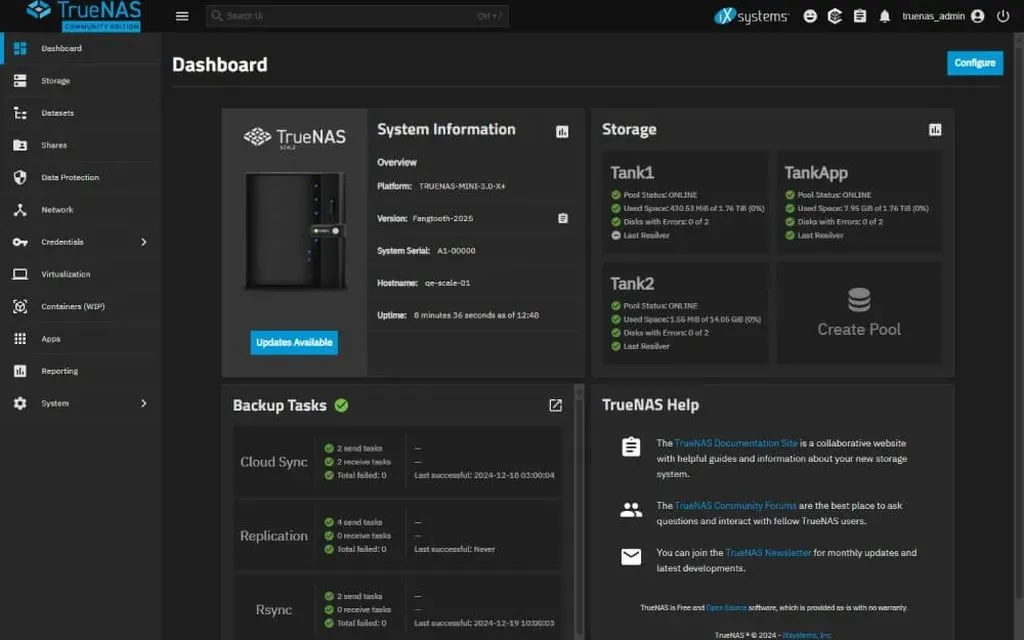
Linux/BSD-based NAS OS with ZFS storage. Best-in-class for storage-focused homelabs, with built-in apps and containers. Best for media servers, backups, and file sharing.

UmbrelOS

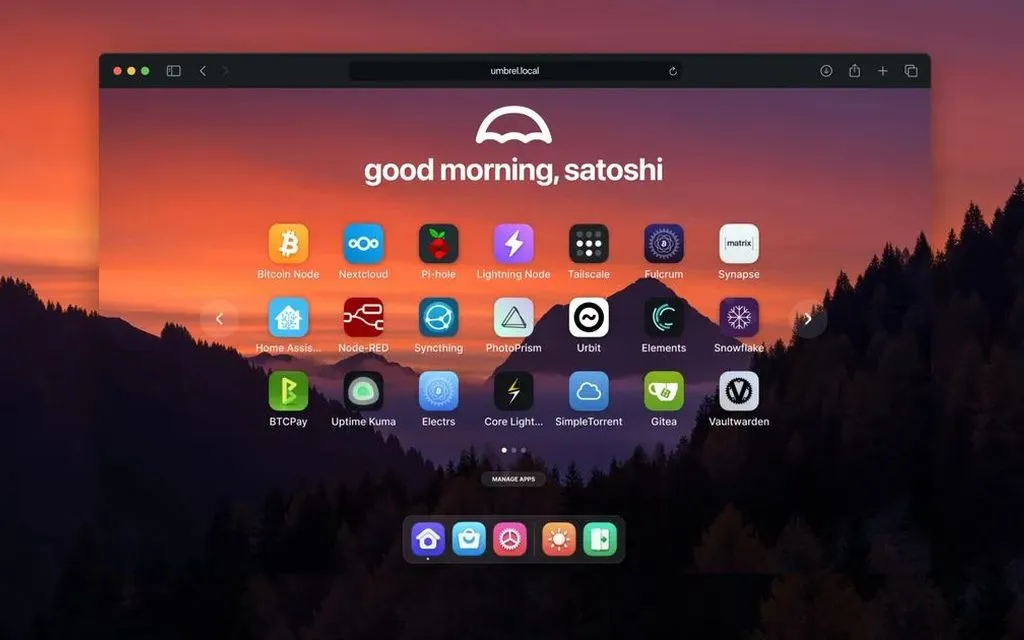
Full OS (installable on mini PCs, Raspberry Pi, or VMs). Elegant UI, app store (Nextcloud, Jellyfin, Bitcoin node, etc.). Now general self-hosting.

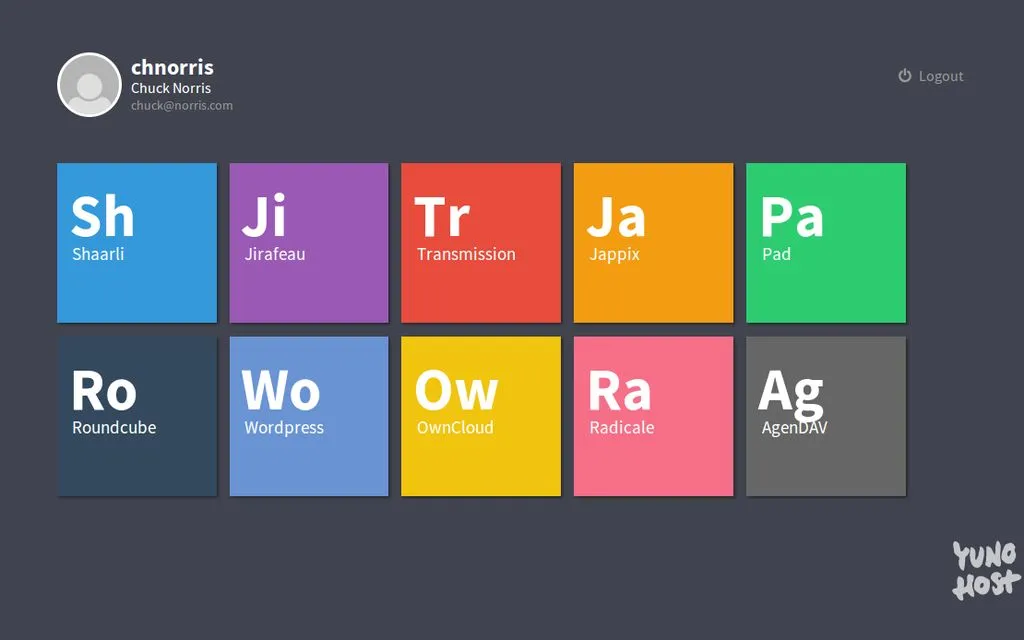
YunoHost

Full self-hosting platform/OS with a clean dashboard and massive app catalog, with built-in apps and containers. Privacy-focused, and easy for non-experts.

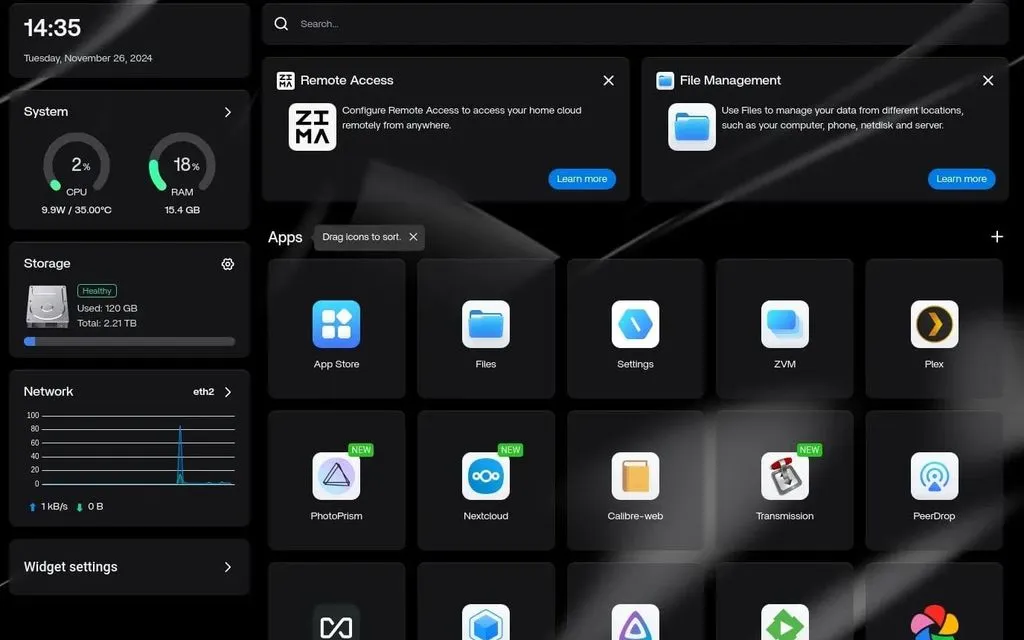
ZimaOS

Standalone Docker/NAS OS (from IceWhale, makers of ZimaBoard/Cube). Lightweight, focused on apps like Jellyfin/Plex/Immich; low power draw on mini PCs.

CasaOS
CasaOS
Cosmos Cloud
Cosmos Cloud
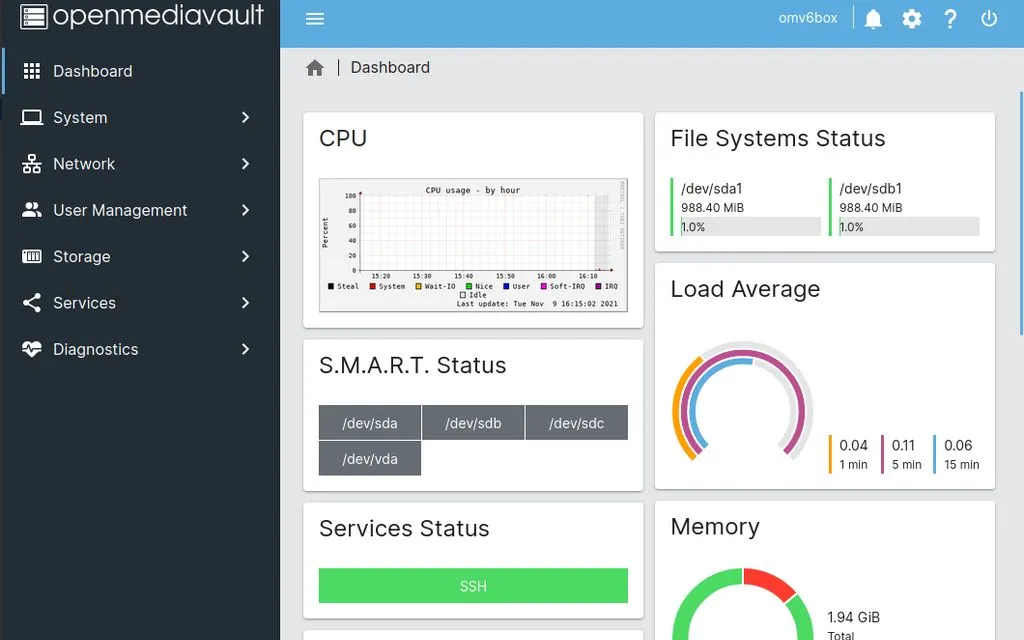
OpenMediaVault
OpenMediaVault
Proxmox VE
Proxmox VE
Runtipi
Runtipi
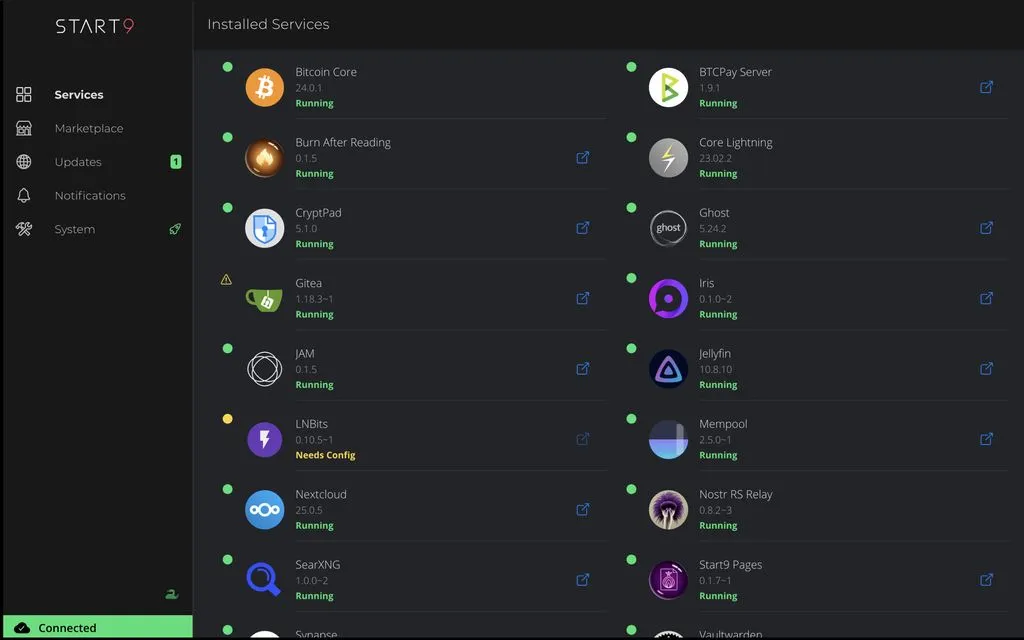
StartOS
StartOS
TrueNAS
TrueNAS
UmbrelOS
UmbrelOS
Yunohost
Yunohost
ZimaOS
ZimaOS

The Reality Check

Overview of Operative Systems
OS Name Base System App Store Best For User Level Top Feature Site

CasaOS

Debian/Ubuntu Yes Media, Files Beginner Mac-style desktop dashboard

Cosmos Cloud

Debian/Docker Yes Hosting, Security Intermediate Integrated Reverse Proxy/VPN

OpenMediaVault

Debian Plugins Files, Storage Intermediate Classic modular NAS stability

Proxmox VE

Debian Templates Virtualization Expert Enterprise-grade VM management

Runtipi

Ubuntu/Debian Yes Self-hosting Beginner Ultra-minimalist Docker UI

StartOS

Custom Linux Yes Privacy, Nodes Intermediate One-click private service setup

TrueNAS

FreeBSD / Debian Yes Storage, Media Expert ZFS File System data safety

UmbrelOS

Debian Yes Home, Bitcoin Beginner Appliance-like ease of use

Yunohost

Debian Yes Web Apps Intermediate LDAP / Single Sign-On (SSO)

ZimaOS

Debian (Custom) Yes Cloud, Media Beginner Seamless Local/Remote access
Popular Homelab OS: Transparency & Hidden Costs
OS Name Base System Business Model The Trap
CasaOS Debian/Ubuntu Open Source (Free) A simple "skin" for Docker. Great for beginners, but offers no advanced system or user management.
Cosmos Cloud Debian/Docker Freemium / Paid Tiers The Paywall: Modern versions lock advanced security and "Family/Multi-user" features behind a subscription.
OpenMediaVault Debian Open Source (Donation) Rock-solid but dated UI. Some professional-grade plugins (like LDAP) require deep technical knowledge to set up.
Proxmox VE Debian Open Source (Freemium) The "Nag": Fully functional for free, but you get a "No Subscription" popup daily unless you pay for enterprise updates.
Runtipi Ubuntu/Debian Open Source (Free) Extreme simplicity means extreme lack of customization. If an app isn't in their specific store, it's a pain to add.
StartOS Custom Linux Sovereign / Paid Registry The Ecosystem: While private, it's highly "opinionated." Moving your data to a non-StartOS system later can be difficult.
TrueNAS FreeBSD / Debian Open Source (Freemium) The Shift: TrueNAS CORE (FreeBSD) is being sidelined for SCALE (Debian). Hardware requirements for ZFS are high (needs ECC RAM).
UmbrelOS Debian Proprietary / Free The Walled Garden: Beautiful but restrictive. Modifying the underlying Nginx or networking (like your Tailscale issue) is an uphill battle.
Yunohost Debian Open Source (Free) Excellent for multi-user/Family SSO, but the "App Scripts" break easily if you try to customize the server manually.
ZimaOS Debian (Custom) Freemium / $29 Lifetime The Cap: The "Community Edition" limits the number of apps and disks. You must pay a one-time fee to unlock a full "Family" setup.

A pretty dashboard is a fair trade for some, but for those seeking true autonomy, the distinction between owning your server and merely 'renting' its features is everything.

For the Everyday Home User

The Convenience Tax

Some platforms offer a fair trade: skip the command line, keep photos off Big Tech, and enjoy a polished interface. However, the real cost is ongoing dependency. Hidden paywalls, updates, or ecosystem lock-in turn a self-hosted solution into a digital tenancy. It’s simplicity, but at the cost of digital sovereignty.

For the Digital Nomad

Local-First Autonomy

“Self-hosted” also means fully offline-capable, zero-cost, and cloud-free. When you’re on unreliable internet, or remote location, any system that requires a license check or validation becomes a liability. True autonomy means your tools work without internet, payment, or permission. Just hardware and power.


Trusted Resources

The external sites are not affiliated with us. We include them because they provide reliable, transparent, and community-driven information that aligns with our commitment to honest, open-source tooling.