The Vision
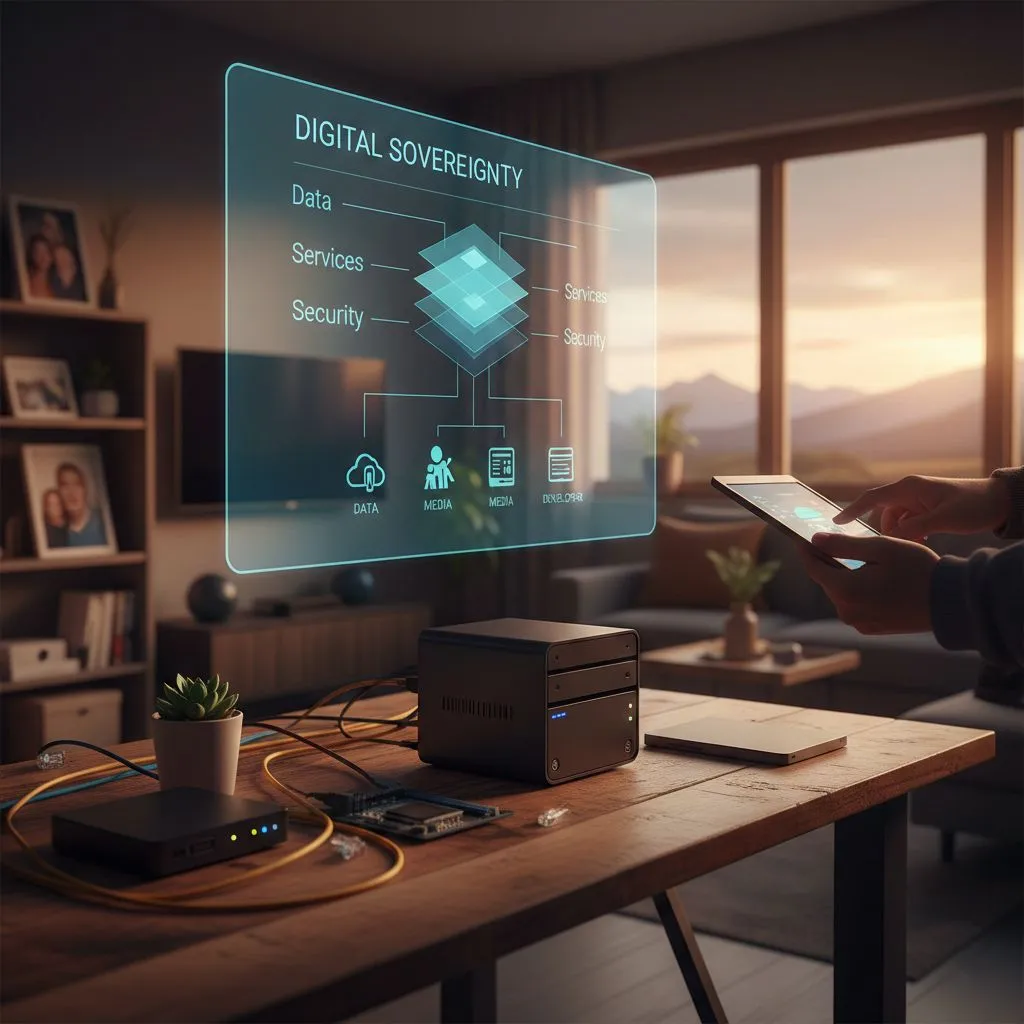
Digital sovereignty is about choice. Whether you’re safeguarding family photos or developing software while traveling, true independence begins when you control the foundational layers of your digital stack.
A home server streams movies, backs up memories, and automates your space. Meanwhile, the digital nomad codes in Lisbon or presents from Bali, securely connected from anywhere in the world.
The Engine
A homelab secures your autonomy, a risk-free space to build and experiment without cloud dependencies or third-party terms. For many, this evolves into a permanent home server: a silent, always-on backbone that serves the household while powering your remote workstation. Whether running on a sleek Mini-PC or a dedicated data center rack, the principle is absolute: you own the hardware, you control the data, and you set the rules.
The Personal Cloud
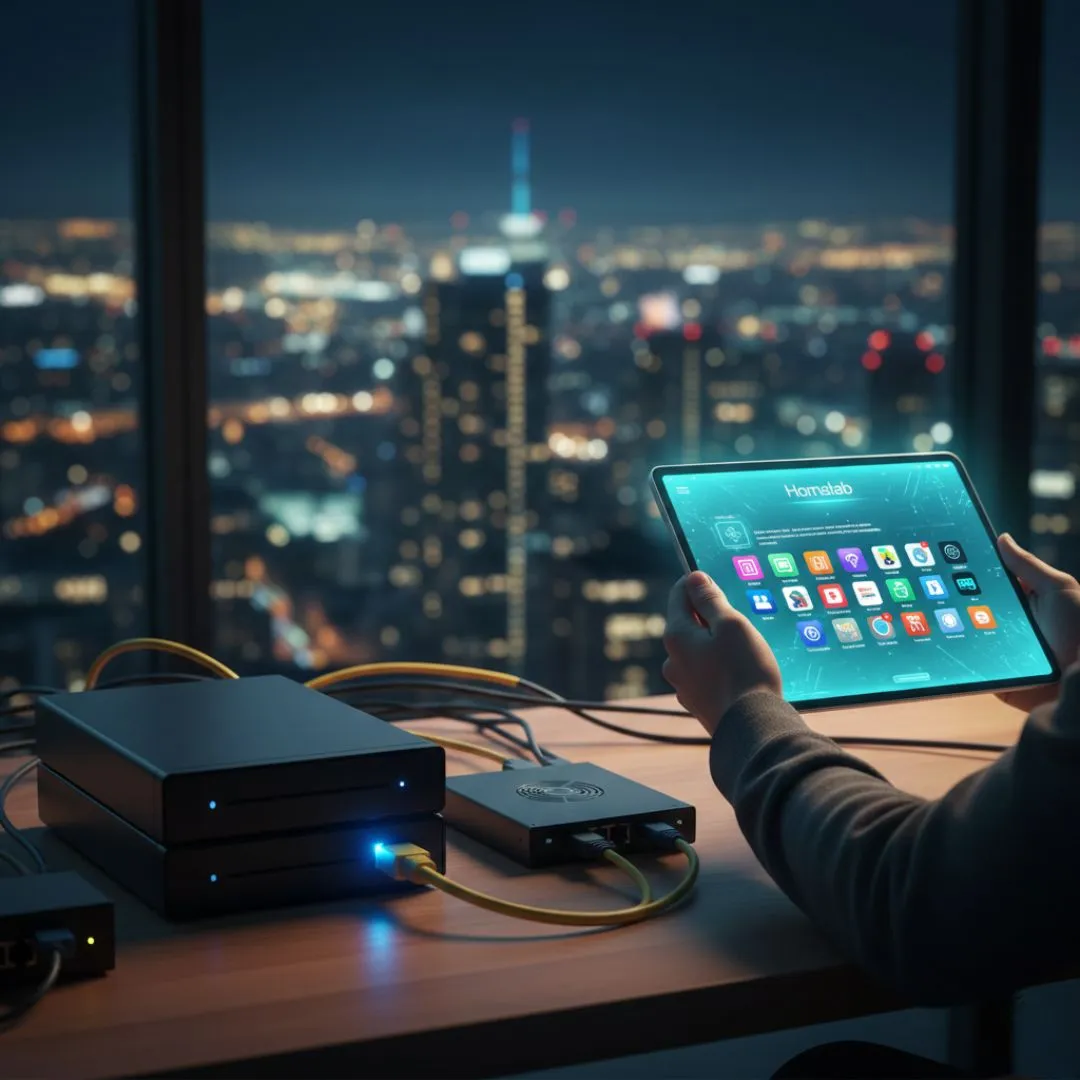
You don’t need to code, you just need a "Plug-and-Play" experience to manage your home server and automation from anywhere in the world.
- The Anchor (Hardware): A Mini PC with an Intel N100 processor. It is silent, uses less power than a lightbulb, and fits in a desk drawer.
- The Foundation (OS): Platforms like CasaOS, ZimaOS, Cosmos, Runtipi, or Umbrel. Each offers a polished, "one-click" interface that feels as intuitive as using an iPad.
- The Setup: Connect the Mini PC to your router, flash the OS via USB, and manage your entire digital life through a standard web browser.
The Sovereign Nomad
Your professional infrastructure for collaboration.
1. The Hardware Upgrade
For heavy developer workloads, prioritize high-thread-count CPUs. Utilize Dual NVMe drives with ZFS Mirroring to ensure your environment survives a hardware failure.
2. The Virtualization Foundation
Use a Hypervisor to run multiple isolated environments:
- Proxmox: It enables "snapshots," allowing you to "Time Travel" back to a working state if an update breaks your system.
- Debian/Ubuntu Server: The rock-solid platform for a built-in VPN and reverse proxy.
The Bridge: Remote Access
How to reach your home from the road, securely.
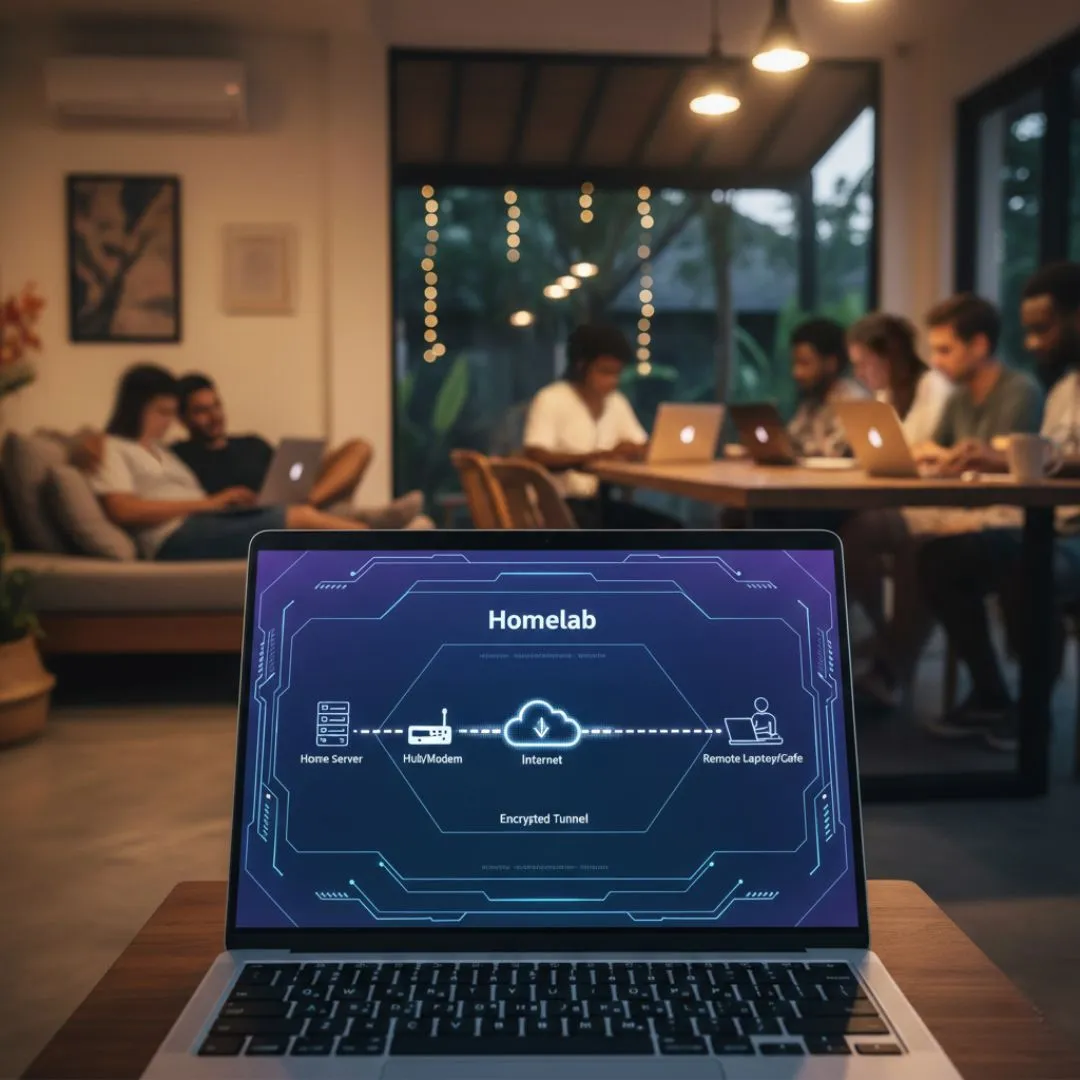
Never "open ports" on your router; it exposes your home to the public internet. Instead, create a private, encrypted tunnel.
- The Zero-Config Network: Tools like Tailscale or Pangolin work even without a fixed IP or behind restrictive CGNAT (mobile data). They create a "Mesh" where your devices see each other as if they were in the same room.
- The VPN Standard: WireGuard is the modern backbone of remote access, faster and leaner than older protocols.
- The Global Exit Node: Use your Homelab as an Exit Node. Browse the internet from a café in Lisbon while appearing as if you are on your home Wi-Fi, essential for bypasssing region-locked banking or streaming services.
Home Server
| Feature | Level 1: Family Cloud | Level 2: Sovereign Nomad |
|---|---|---|
| Primary Goal | Photo Backup / Simple Files | Dev Environments / Local AI |
| OS Choice | CasaOS / Umbrel | Proxmox / Debian |
| Complexity | Low (Point & Click) | High (CLI & Virtualization) |
| Hardware | Tiny/Mini/Micro PCs | Ryzen 7+ (32GB+ RAM) |
Hardware Recommendation
Building a sovereign environment starts with selecting hardware that balances power, efficiency, and size.
| Component | Level 1: Family Cloud | Level 2: Sovereign Nomad |
|---|---|---|
| Processor | Intel N100 (4 Cores) | AMD Ryzen 7 8845HS+ |
| Memory (RAM) | 16GB DDR4/DDR5 | 32GB - 64GB DDR5 |
| Storage | 500GB NVMe + External HDD | 1TB - 2TB Gen4 NVMe (Dual) |
| Networking | 1GbE Ethernet | 2.5GbE + Wi-Fi 6E/7 |
| Power Draw | Ultra-Low (6W - 15W) | Balanced (35W - 65W) |
Recommended Entry Points
The Silent Companion
Intel N100 (4 Cores / 4 Threads)
Models: Beelink EQ13, Minisforum UN100
Ideal for a silent, 24/7 "set and forget" server. It handles home automation, file storage, and light media streaming with minimal power draw.
The Nomad Powerhouse
AMD Ryzen 7 or 9 / Intel i7 or i9 (8+ Cores / 16+ Threads)
Models: Minisforum UM880 Pro, Beelink SER8
The ultimate mobile workstation. Built to run multiple virtual machines, compile complex code, and host professional developer environments simultaneously.
Sovereign Setup Checklist
To ensure your hardware remains accessible while you are "Autonomy in Motion," consider these essentials:
- Smart Plug: Essential for remote "hard reboots" if the system freezes.
- High-Endurance USB: For a stable OS boot drive (Samsung Bar Plus recommended).
- Mini UPS: Protects your data from corruption during sudden power flickers.
Trusted Resources
The external sites are not affiliated with us. We include them because they provide reliable, transparent, and community-driven information that aligns with our commitment to honest, open-source tooling.