~ 2 min read
Backup Strategy for Digital Nomads
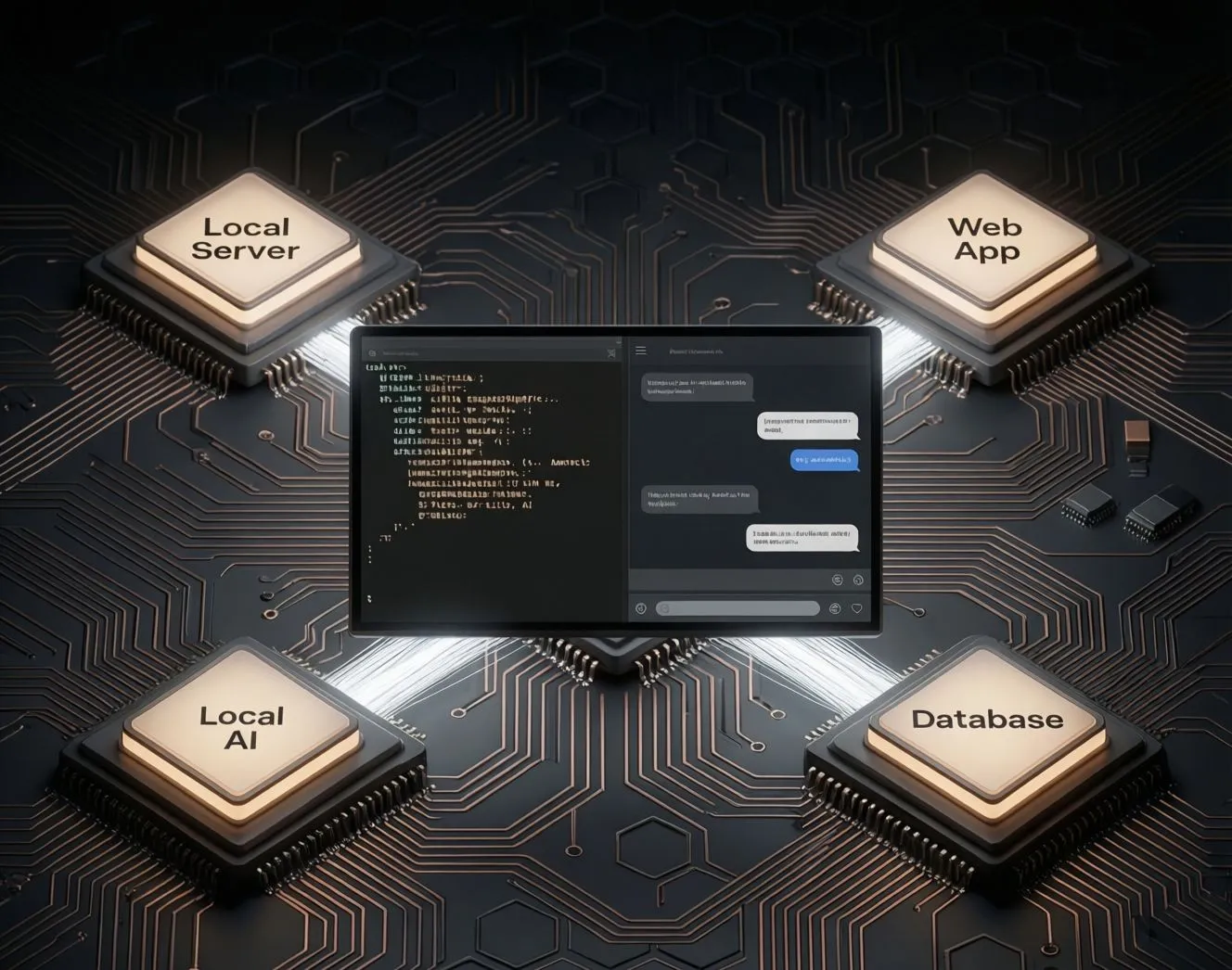
The Hybrid Approach
Losing your laptop shouldn’t mean losing your work, your tools, or your momentum. Here’s how to back up like a pro, with nothing but a USB drive and Git.
Simple, Portable, No Cloud Required
Most digital nomads, and indie builders, don’t need enterprise backups. They need one thing: the ability to walk into a new café with a laptop and be back to work in under an hour.
That’s why the best real-world strategy is hybrid:
-
Git for code, config, and text
Your dotfiles, scripts, app configs, and projects belong in a private Git repo (GitHub, GitLab, or Codeberg).
→ Why? Version history, diffs, andgit cloneanywhere. -
USB drive for everything else
Databases, binary assets, full app folders, Python venvs, or portable tools go on an encrypted USB drive (or portable SSD).
→ Why? No internet needed. Works offline. Survives platform bans.
Key rule: If it’s text and structured: Git. If it’s binary, large, or stateful: USB.
Tools That Just Work
No Setup Overhead
You don’t need fancy software. These are lightweight, open source, and scriptable:
-
rsync(Linux/macOS) or FreeFileSync (Windows)
→ Mirror your project folders to USB in one command or click. -
VeraCrypt or LUKS (Linux)
→ Encrypt your USB drive so lost hardware ≠ exposed data. -
Git +
.gitignoredone right
→ Track only what matters. Exclude build folders, caches, and secrets. -
A simple
restore.shscript
→ One file that:- Clones your dotfiles repo
- Copies app folders from USB
- Restarts your local server
→ Run it → you’re back.
The Recovery Test
Do This Monthly
- Borrow a friend’s laptop (or use a live USB OS).
- Plug in your backup drive.
- Run your restore script.
- Can you launch your dev server and open your latest project?
If yes: you’re resilient.
If no: simplify your backup.
Why This Beats “Just Use Dropbox”
- ✅ No surprise deletion (remember: “your” cloud files aren’t yours)
- ✅ Works on a plane, in a cabin, or during internet outages
- ✅ Total control, no TOS changes, no AI scanning, no account recovery hell
Backups aren’t about fear. They’re about freedom.
With this setup, your work travels with you, physically, privately, and permanently.
Related Articles
Run a local-first environment.
Nextcloud vs oCIS
Nextcloud vs ownCloud Infinite Scale. The Go-Based, Lightweight Alternative
FileRise vs. nextExplorer
Compare two of the best modern, self-hosted file managers
TurnKey OS for your Homelab
TurnKey OS for your Homelab

Self-hosting is about strategic sovereignty
Self-host only what gives you real leverage: privacy, cost savings, reliability, or creative control.